Vibe Coding: Build Your Own Business Tools Without Hiring a Developer
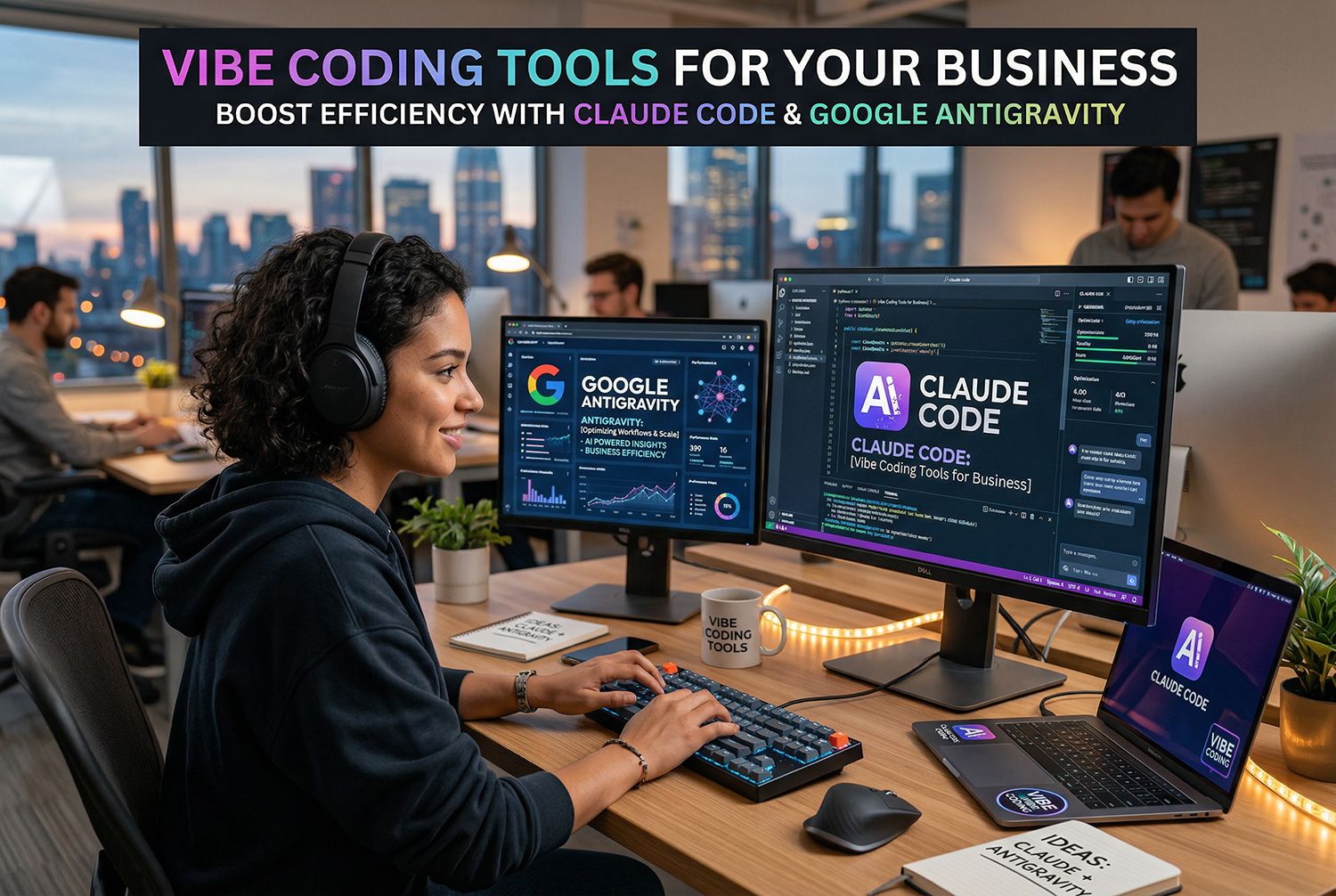
Until recently, if you wanted a piece of software built for your business, you had two options: find a developer, or learn to code yourself.
Neither was great. Developers are expensive and hard to find. Learning to code takes years.
Something changed. AI coding tools have gotten good enough that non-technical people are now building real, working software — not just prototypes. The term floating around for this is "vibe coding": using AI assistants to write code by describing what you want in plain English.
This post is for New Zealand business owners who are curious about it but not sure where to start, what's realistic, and what could go wrong.
What Is Vibe Coding?
Vibe coding is using AI tools to generate and refine code by describing your requirements in plain language. You say what you want. The AI writes the code. You see if it works. You ask for changes.
The key shift: you don't need to understand code to get code written. You need to understand your problem.
Tools like Claude Code, Cursor, Replit Agent, and others work this way. You describe a feature — "I want a form that captures a person's name, email, and phone number, and saves it to a spreadsheet" — and the tool builds it.
This isn't science fiction. It's accessible right now.
Five Platforms Worth Knowing About
Claude Code (Anthropic)
Good for: thoughtful, structured code. Works well if you're methodical and want to understand what you're building. No built-in hosting, so you'll need somewhere to deploy what you build.
Cost: Free tier available; $20/month for Pro. Claude Code itself is included in the subscription.
Cursor
Good for: building in a familiar code editor environment. Cursor is a modified version of VS Code with AI built in. Good if you want to learn a bit as you go — you can see the code being written.
Cost: Free tier; $20/month for Pro.
Google Anti-Gravity (Project Mariner)
Good for: experimental builds and rapid prototyping. Google's AI coding project is still evolving but increasingly capable. Worth watching.
Cost: Free (in preview).
Replit Agent
Good for: getting something live quickly. Replit handles hosting, deployment, and the coding in one place. Good for non-technical users who want a result without managing infrastructure.
Cost: $15–$25/month depending on tier.
Lovable
Good for: building web apps without technical knowledge. Lovable is explicitly designed for non-developers. It handles the whole stack — frontend, backend, deployment — and is built around a chat interface.
Cost: Free to start; $19–$99/month for Pro tiers.
What You Can Actually Build
Here's the honest version:
You can build:
- Custom forms and data capture toolsInternal dashboards and tracking toolsSimple web apps (a booking system, a client portal, a project tracker)Automations that connect different services togetherLanding pages with complex interactionsClient-facing calculators and quote builders
You can't build (at least not safely on your own):
- Systems that handle sensitive customer data without proper security architectureComplex integrations with existing business systemsAnything that needs to be reliable 24/7 without proper infrastructureAnything requiring compliance work (payment processing, health data, legal requirements)
The honest answer is: a lot of small business tools are buildable. But "buildable" and "should be built by you, solo, with no oversight" are different things.
The Cost Reality
Most of these tools have free tiers. That's genuinely useful for prototyping and learning.
Real costs kick in when you want to deploy something for actual business use:
- Hosting: $5–$50/month depending on what you're runningDomain names: ~$30–$50/yearAI tool subscriptions: $15–$25/month for the coding toolMaintenance: Bugs will happen. The AI won't be there at 2am when something breaks.
For a simple internal tool, you're looking at $20–$50/month all in. For something client-facing and business-critical, budget for proper review and potentially ongoing developer support.
Getting Started Tips
-
Start with the problem, not the tool. Know what you're trying to solve before you start prompting. "I want to track my job quotes in one place" is better than "I want an app."
-
Use free tiers to prototype. Build something small first. See if the workflow makes sense for you.
-
Keep non-technical stakeholders involved. If the tool is for your team, bring them in early. Their buy-in matters more than your enthusiasm.
-
Don't build anything customer-facing without review. Vibe coding can produce working code, but it can also produce code with security issues or confusing UX. Get someone to look at anything public-facing.
-
Know when to stop. If it starts feeling like it's getting over your head — it probably is. That's the right moment to bring in professional help.
Where Pixelweb Fits
Vibe coding tools are genuinely useful for prototyping, internal tools, and small builds that would otherwise never happen.
But there comes a point where the complexity of what you're building, the stakes of it going wrong, or the integration requirements mean you need someone with experience looking after it.
Pixelweb works with New Zealand business owners on exactly this. If you've been experimenting with vibe coding and hit something that needs proper build-out — or if you want to know whether vibe coding is the right approach for your situation — get in touch.
Three posts, three angles on technology that actually works for small businesses. Next in the series: practical AI tools for New Zealand businesses — coming soon.